ERP Chatbot Use Cases & Best Practices for Malaysian SMEs 2026
Your ERP system already stores the answer to most operational questions your team asks in a day. Stock levels, invoice status, customer balances, order progress. The friction is retrieval. If a sales executive has to open three screens and run a report to check whether an order can be fulfilled, that question either costs ten minutes or never gets asked at all. An ERP AI chatbot removes the retrieval step by letting anyone query the system in plain language and get an answer back in seconds, without being trained on the software.
Key Takeaways
- An ERP AI chatbot lets staff ask for live ERP data in plain language, so stock levels, invoice status and customer balances come back in seconds instead of requiring a report, a login or a request to another department.
- The strongest use cases are the questions asked repeatedly every day: stock availability, MyInvois submission status, overdue accounts, purchase orders, sales figures and staff leave or payroll queries.
- Success depends on data quality and permissions, not the AI. An ERP chatbot reading duplicate product codes or missing customer records will answer confidently and wrongly, which costs more trust than it wins.
What Is an ERP AI Chatbot?
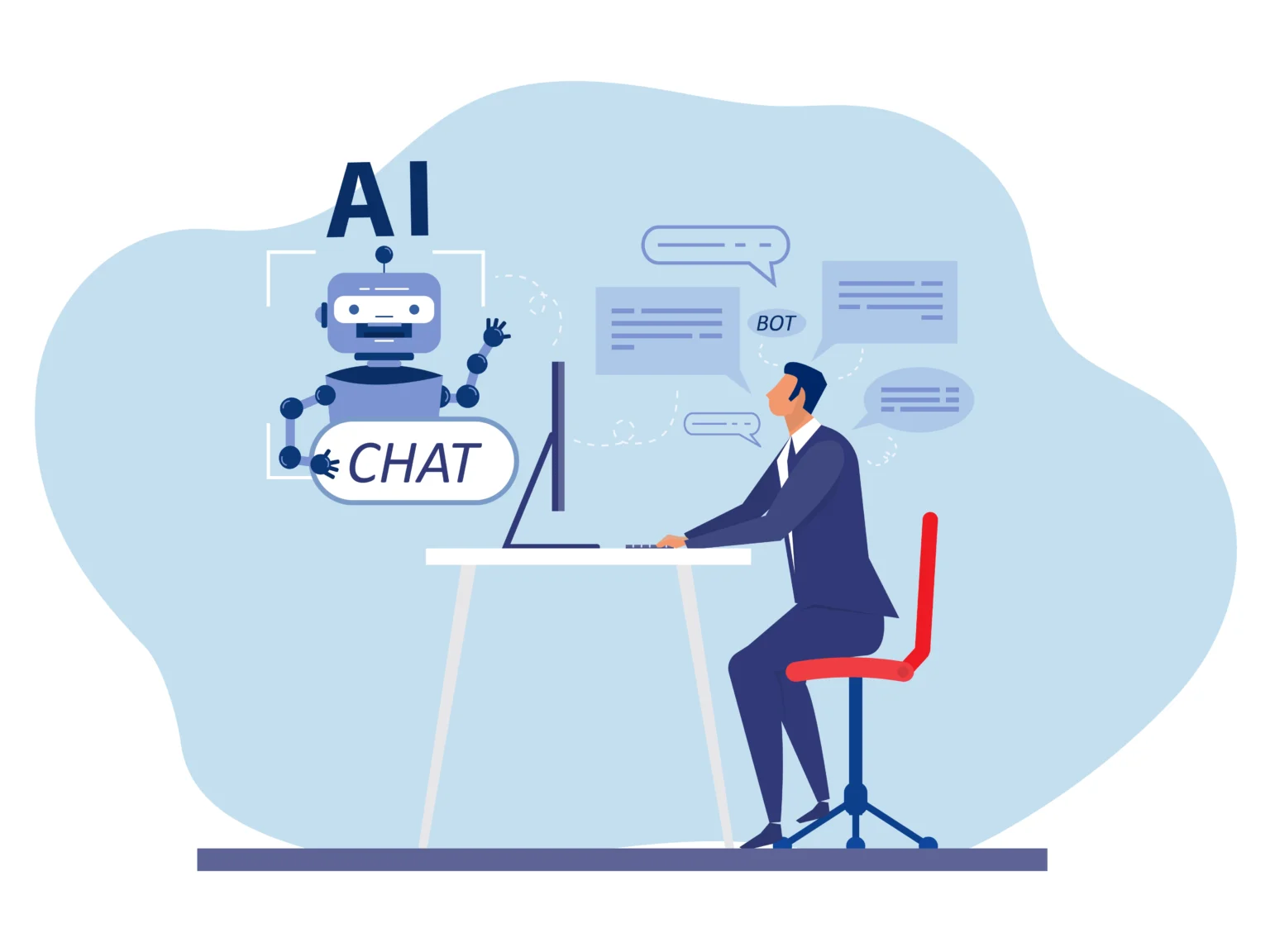
An ERP AI chatbot is a conversational interface built on top of an enterprise resource planning system. It lets employees ask questions in everyday language and returns answers pulled from live ERP records, instead of clicking through menus, running manual reports or waiting on the accounts team.
Ask “What is our current stock level for Product X?” or “Show me outstanding invoices for this month” and the answer comes back from the same database the ERP itself reads. No export, no reconciliation, no version of the truth that went stale on Tuesday.
The distinction that matters is between rule-based bots and AI-driven ones, and it decides most of what the tool will actually do for you.
AI-driven vs rule-based ERP chatbots
Scenarios | Rule-based bot | AI-driven ERP chatbot |
|---|---|---|
Understands a request by | Matching keywords against a script | Interpreting intent from natural language |
Rephrased questions | Fails unless the wording was trained | Handles paraphrasing, shorthand and typos |
Follow-up questions | No memory, every query starts fresh | Holds context across a conversation |
Data it reads | A fixed set of predefined queries | Live ERP records, queried on demand |
Actions it can take | Preconfigured flows only | Can trigger ERP transactions such as purchase orders and quotations |
Adding a new question | Someone writes a new rule | Handled through configuration and query-log review |
How it fails | Says it does not understand | Can answer confidently from poor data |
The last row is the one to plan around. A rule-based bot fails loudly, so the user knows to go and look elsewhere. An AI-driven bot fails quietly, which is why the data audit further down this article is not optional.
Get it right and two things follow. Decisions get made against current data rather than last week’s report, and the business stops depending on the two or three specialist users who know where each number lives.
Conversational access is becoming a standard layer on business software rather than a point of difference. Employees increasingly expect to reach their systems through dialogue as readily as through a dashboard, and software that only offers the dashboard starts to feel like extra work.
For Malaysian SMEs running lean teams, where one person often covers sales, admin and compliance at once, that accessibility carries more weight than it does in a large enterprise with a dedicated reporting function.

6 Real-World ERP Chatbot Use Cases for Malaysian SMEs
The value becomes clearest when you map it to the day-to-day realities of running a Malaysian business. These six deliver the most immediate impact.1. Inventory and stock queries
The question is almost always the same: “Do we have enough stock to fulfil this order?” Today that means a warehouse or sales staff member logs into the ERP, finds the right item code, checks on-hand against committed quantity and works out what is actually available to promise. Ask the chatbot instead and it reads live inventory, nets off allocated stock and answers in one line. The customer on the phone gets a yes or no while still on the call, rather than a callback that arrives after they have rung a competitor.
2. LHDN e-Invoicing and MyInvois status checks
With Malaysia’s mandatory e-Invoicing rollout now reaching progressively smaller businesses, finance teams need to know which invoices cleared MyInvois validation and which were rejected. Checking that manually means working through submission logs invoice by invoice. A chatbot connected to your ERP can return the list of failed or pending submissions on request, along with the reason for rejection, so the team fixes the exceptions instead of auditing everything. For an SME without a dedicated compliance officer, that is the difference between catching a rejection the same day and finding it at month end.
3. Accounts receivable and collections
Late payment is the ordinary condition of running an SME in Malaysia, and chasing it is manual work. Answering “who is overdue, by how much and for how long?” normally means running an aged receivables report, reading it and then acting on it. Asked conversationally, the same list comes back in seconds, which means the check happens on a Monday morning instead of at month end. The follow-up is where it earns its keep: “and which of those are near their credit limit?” tells the sales team where the exposure sits before the next order ships.
4. Purchase orders and procurement workflows
Procurement executives can instruct the chatbot to initiate a purchase order, check supplier lead times or compare pricing across vendors, all inside the chat interface. This is where action-triggering earns its place. Retrieving a supplier’s last three quoted prices is useful, but raising the PO off the back of that answer without switching screens is what removes a step from the working day rather than just speeding one up.
5. Sales pipeline and customer insights
Sales managers ask for top-performing products this quarter, overdue customer accounts or delivery status on a named order. Each of those is a standard report that someone has to schedule, run and circulate. Asked conversationally, they become a thirty-second check before a client meeting. The follow-up question is usually the valuable one: “and how does that compare with the same quarter last year?” A rule-based bot cannot hold that thread. An AI-driven one can.
6. HR and staff admin queries
The highest-volume internal question in most SMEs is not commercial at all. How much annual leave is left, when payroll runs, what came off for EPF and SOCSO last month. In a small business those questions land on one person who is already doing three other jobs. Routed through a chatbot that inherits existing HR permissions, staff answer them for themselves and the admin function gets its week back. This is also the use case where role-based access matters most, because payroll and salary data has to stay visible only to the people who could already see it.
Where SMURPS fits
SMURPS Squire is an ERP AI chatbot connected directly to the SMURPS ERP system. Its current scope sits in back-office sales, so a staff member can pull up product and pricing details, see how an order is progressing, check what a customer owes against the limit they have been given, or raise a quotation from a plain-language request. Coverage widens into procurement, inventory and accounting as those processes get configured.

5 Best Practices for Implementing an ERP AI Chatbot
Getting a return requires more than switching it on. Based on documented implementations across SME manufacturing, trading and services businesses, these five practices make the biggest difference.1. Start with high-frequency, high-friction queries
Identify the five questions your team asks repeatedly. Stock levels, invoice status, sales figures. Make the chatbot handle those perfectly before widening scope. A narrow tool that is always right builds more trust than a broad one that is sometimes wrong.
2. Connect it to clean, structured ERP data
An AI chatbot is only as reliable as the records it reads. Audit data quality before deployment. Duplicate product codes, inconsistent customer naming and missing master data will produce confidently wrong answers, and one wrong answer in week one costs more adoption than ten right ones win back.
3. Define role-based access from day one
Not every employee should be able to query financial, margin or HR data. The chatbot should inherit the same permission levels already configured in your ERP, so what a user cannot see in the standard interface stays invisible in chat.
4. Train the team to actually use it
Adoption is the largest barrier to return on investment. Run short, practical sessions showing staff the kinds of questions they can ask and the actions the chatbot can carry out for them. Most people underestimate what it will handle and keep doing the manual version out of habit.
5. Monitor query logs and refine continuously
Review the logs regularly to find unanswered questions and misread requests. Those are the signals telling you where to extend the knowledge base next. Treat rollout as an ongoing process rather than a one-time deployment. User adoption is named consistently across ERP AI implementations as one of the main limiting factors, and it is the only one still fully within your control after go-live.
Conclusion
An ERP AI chatbot is one of the more practical investments a Malaysian SME can make. It puts business data within reach of everyone who needs it, shortens the gap between question and decision, reduces the load on the handful of people who know the system best, and helps keep the business current with requirements like LHDN e-Invoicing and SST. The result is a leaner and better-informed organisation, which is what competing in the Malaysian SME market now demands. If you are weighing one up, test it against your own ERP records rather than a demo dataset. That is the only way to find out whether your data is clean enough to give reliable answers, which is the question that decides most implementations. SMURPS Squire runs on SMURPS ERP and covers the back-office sales queries described above.FAQ
How is an ERP AI chatbot different from a standard customer
A customer service chatbot answers FAQs or routes support tickets from a fixed script. An ERP AI chatbot is connected to internal business data such as inventory, finance and HR records, so it answers operational questions and can trigger actions inside the ERP itself.
Is an ERP AI chatbot the same thing as RPA?
No. Robotic process automation runs predefined, repetitive tasks such as data entry or file transfers without being prompted. An ERP AI chatbot is conversational: it interprets a request and either retrieves information or starts a workflow in response. Many platforms use both together, with the chatbot as the interface and RPA handling the automation behind it.
How do you measure whether an ERP AI chatbot is paying off?
Track time spent on manual reporting, the volume of basic data requests routed to finance or IT, and adoption across the team. Reviewing query logs over the first three months is the most practical way to separate real usage from novelty.
Can an ERP AI chatbot be restricted so certain staff cannot see sensitive data such as payroll?
Yes. Access should mirror the role-based permissions already configured in your ERP. If a staff member cannot view payroll or margin data through the standard interface, a correctly configured chatbot will not surface it either.
Is an ERP AI chatbot only for internal staff, or can customers use it too?
Most ERP AI chatbots are built for internal use, because they surface operational data tied to internal user permissions. Some vendors offer a separate customer-facing layer, but that is normally a distinct product with its own access controls.
What happens if a question put to an ERP AI chatbot is ambiguous?
A well-designed chatbot asks a clarifying follow-up rather than guessing, in the same way a colleague would ask which month you meant. Testing this behaviour during evaluation is one of the clearer ways to tell a good implementation from a poorly tuned one.